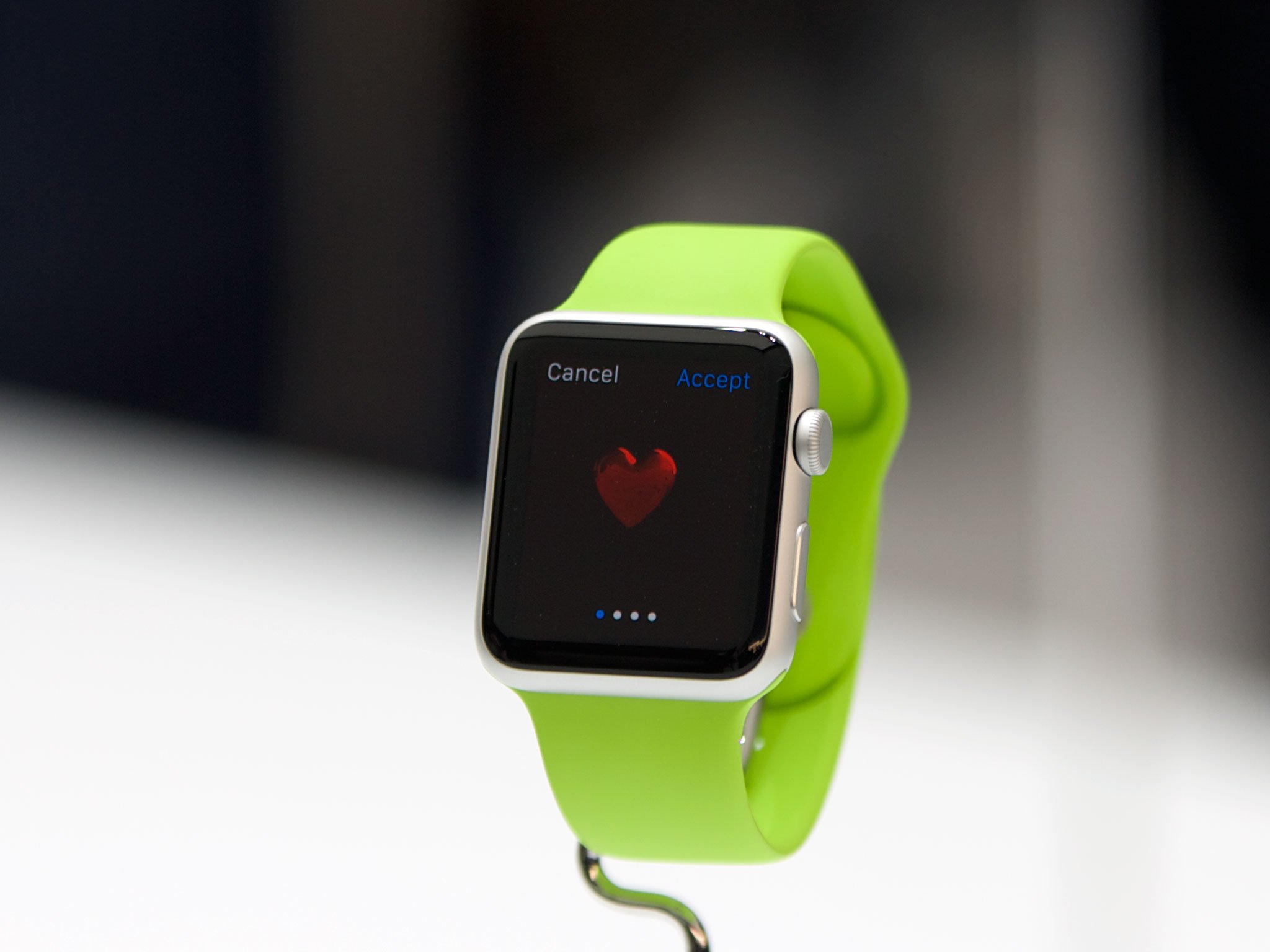
If you have an iPhone 5, iPhone 5c, iPhone 5s, iPhone 6, or iPhone 6 Plus, you can use the Apple Watch. But should you get one?
As we come closer to the Apple Watch's sale date, it's the big-ticket question. Most people need a phone. Many people need a computer. Like an iPad, however, the Watch feels like an extra accessory, and that can make it harder to figure out if you need it or not. So, let's break down the decision process and make it a little bit easier.
Whether you should get an Apple Watch or not will come down to how compelling any of the main features are, either by themselves or when combined together. Those features include not only time keeping but health and fitness tracking, notifications and informational widgets, Apple Pay, remote control, and communications.
Put simply: The Apple Watch is the shuttle craft to the iPhone's starship. Most things can already be done by the iPhone, but can be done more conveniently with the Apple Watch. And a few can only be done with the Apple Watch.
Time keeping

It's not an uncommon story: You stopped wearing a watch because your iPhone has a big clock right on the Lock screen, only a pocket-or-purse-pull and button click away. It's the old single- vs. multi-tasker debate, and why convergent devices like the iPhone proved so popular to begin with.
The Apple Watch is also a convergent device, and that convergence can be seen in every aspect, including how it takes time.
When you want to see the time on your Apple Watch, you don't have to dig into your pocket or purse, or reach for your bag or table, you just turn your wrist. Then the screen lights up and you can glimpse the time. It can be just that simple or, in the grand tradition of time keeping, you can add "complications".
Watch faces range from minimal to chronometer to utilitarian to motion graphics to astronomy to, well, Mickey Mouse. Each face can also include a number of complications which give you even more data to glimpse.
Complications can include something as subtle as a monogram for personalization, but also world clocks, alarms, stopwatch, the weather, sun rise and sun set, activity levels, phases of the moon, upcoming appointments, and stock quotes.
If that level of efficiency is intriguing to you, the Apple Watch might be intriguing.
Notifications and information

Any iPhone running iOS 8 has interactive notifications. With the Apple Watch, however, those interactive notifications can appear on your wrist, with a subtle tap that doesn't even light up the display unless you turn it to signal your interest. Even then you get a short look, with just the app and a brief bit of context, and you get to decide if you want to stop what you're doing and see a long look for more.
Glances are like widgets in the Today view of the iPhone's Notification Center. Rather than appear and disappear like notifications, the information on them persists, just a swipe or few away. Apps take it a step further, allowing an even greater level of interaction, but also allowing you to handoff activities to your iPhone if and when they'd benefit from the bigger screen.
Facebook messages, turn-by-turn directions, airplane boarding passes, coffee cards, and more can all benefit from being more easily accessible. If that appeals to you, the Apple Watch might appeal to you.
Health and Fitness
If you have an iPhone 5s, the Apple Watch will add staircase tracking. If you have an iPhone 5 or iPhone 5c, the Apple Watch will add both step counting and staircase tracking. If you have an iPhone 6 and iPhone 6 Plus, you already have step and staircase tracking built in. With the Apple Watch, however, you can leave your iPhone behind and go walking or jogging without it weighing you down.
What's more, the Apple Watch offers unique personal training options. There's a heart-rate monitor, which isn't available on any iPhone. There's also an Activity app that will show you how much you've moved, exercised, and even stood up during the day.
There's also a Workout app for when you're doing cardio, and Fitness app, that keeps track of your goals and rewards your accomplishments.
If any of those features could help you live a healthier, fitter life, than the Apple Watch might be of interest to you.
Apple Pay
In-store Apple Pay, where you use Touch ID to authorize a transaction at a checkout counter, is currently only available on the iPhone 6 and the iPhone 6 Plus. That's because only the iPhone 6 and iPhone 6 Plus currently have the near-field communications (NFC) chip, with its built-in secure element, to handle the storage and transmission of credit and debit card information.
The Apple Watch, however, has its own NFC chipset built in, and it can not only be authorized by an iPhone 6 or iPhone 6 Plus, but by an iPhone 5, iPhone 5c, or iPhone 5s as well. That means, if you're not yet ready to upgrade your iPhone but still want the convenience of Apple Pay, you can get it with the Apple Watch.
More over, if you want to got out for a walk or run but don't want your iPhone weighing you down, you can just take your Apple Watch. As long as you've authorized it before leaving, and as long as it never breaks skin contact with you, you can use just the Apple Watch to buy a drink or anything else while you're out.
If adding or extending Apple Pay sounds enticing to you, you might be enticed by the Apple Watch.
Connecting

Like the iPhone, the Apple Watch has Siri built in. Just raise your arm, say "Hey Siri!" and tell Apple's personal digital assistance exactly what you want done or what you want to find out.
If someone calls, you can answer and converse right on your wrist, and hand the call off to your iPhone if you think it's going to take a while. You can also dictate or select a quick response to any iMessages that might come in, all without ever reaching for your phone.
The Apple Watch also has three forms of communication all its own: Sketches, Taps, and Heartbeats. With Sketches, you can quickly send doodles to convey an idea, express and emotion, to tease, to troll, or just to get a smile. With taps you can send just what the name implies — a pattern of taps that will play out on the other person's wrist. And with heartbeat, well, you can let that special someone know you're thinking of them in the most personal way possible.
If keeping in touch matters to you, the Apple Watch might matter to you.
Remote control
The Apple Watch will let you control your Apple TV. It'll also let you control the view finder on your iPhone's camera. Thanks to Siri and HomeKit integration, the Apple Watch will even let you control any compatible home automation gear you have in your house.
That means the Apple Watch could lock or unlock your doors, switch on or off your lights, put your living room into home theater or gaming mode, turn on a fan or adjust a thermometer, or do anything and everything possible with your iPhone, but from right on your wrist.
If easy access to all your connected accessories sounds good to you, the Apple Watch might be good for you.
Who shouldn't get an Apple Watch
If you have an iPhone 4 or iPhone 4s, if you're content with the functionality of your iPhone 5, iPhone 5c, iPhone 5s, iPhone 6, or iPhone 6 Plus and don't find the extra features or convenience at all compelling, if you can't stand things on your wrist or you simply prefer to wait and see, then you probably don't want or need an Apple Watch.
Who should get an Apple watch
If you like the features your iPhone has to offer but you want to fill gaps like Apple Pay on older models, or get even more like the heart-rate monitor, or just want everything made easier and more convenient, then you should definitely check out the Apple Watch.
If health and fitness is important to you, if you're into home automation, or you simply want a better way to stay notified and informed, you should also absolutely check out the Apple Watch.


No comments:
Post a Comment